
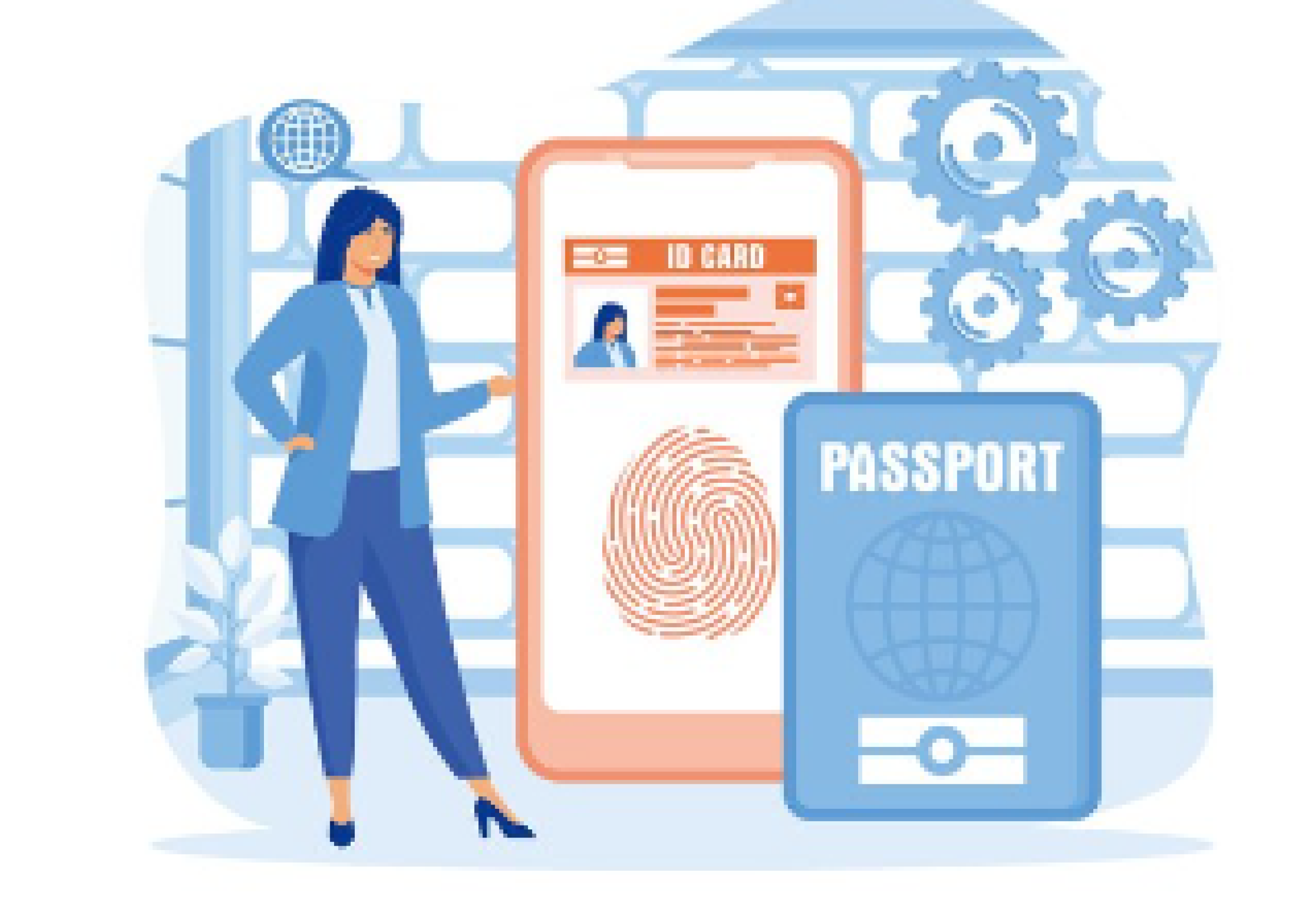
Users select and upload an image of their identity document, ensuring it is clear.
The system conducts automated checks for authenticity, analyzing security features and extracting essential data
Users receive instant feedback on the verification status, allowing them to proceed or correct issues
Used for verifying customer IDs during account setup to ensure compliance with KYC and prevent identity fraud
Verifies IDs to authenticate buyers or sellers, providing a trusted environment for transactions.
Checks driver’s licenses for legitimacy, ensuring that only verified users can access rental services.
Verifies student IDs to maintain integrity during remote exams and reduce the risk of fraud.
Verifies passports or IDs during check-in for seamless onboarding and improved security
Please feel free to reach out to us. We are always happy to assist you and provide any additional.

indentifii is an artificial intelligence trained to automate important tasks such writing optimized product descriptions.
ParvInfotech 2023. All Rights Reserved.